Find your setup by application

Explore nine camera testing and calibration examples, from HDR and white balance to stereo alignment and production validation.

APPLICATION EXAMPLES

Nine ways to set up a camera test

These examples illustrate possible setups. Product photos show equipment references, and acceptance limits are defined for each project.

01 / 03

Image quality testing

Test how cameras respond to contrast, changes in illumination and low light.

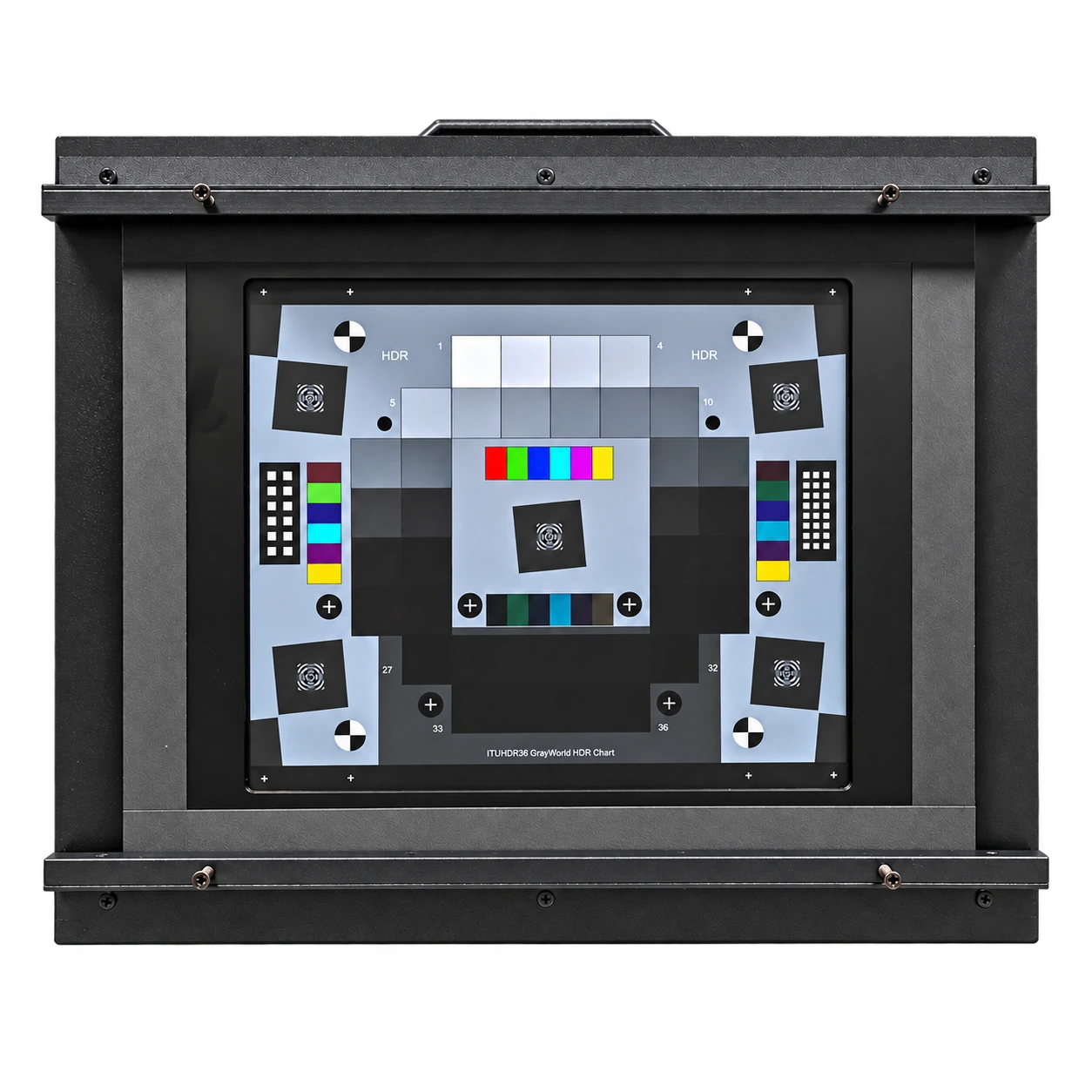
DR36 HDR camera testing lightboxEQUIPMENT REFERENCE

Automotive cameras

HDR response under high contrast

Challenge
Assess how a camera retains detail in bright and dark regions of the same exposure.
Proposed setup
Mount a calibrated transmissive step chart in a diffuse backlit lightbox. Shield stray light around the chart and fix camera position and capture settings.
What to verify
Check backlight uniformity, highlight clipping and the darkest steps that meet the selected signal-to-noise criterion.
Related equipmentDR36 HDR Camera Testing Lightbox
Calibration light panel on a mobile frameEQUIPMENT REFERENCE

Consumer imaging

White balance across lighting presets

Challenge
Compare how consistently a camera renders neutral tones under warm and cool lighting.
Proposed setup
Illuminate a neutral chart with a tunable light source. Measure the color temperature and illuminance at the chart for each preset and use the same camera geometry.
What to verify
Compare the neutral patch RGB balance after the camera stabilizes. Record illuminance and exposure settings so the test can be repeated.
Related equipmentCamera Calibration Light Panel
Calibration light panel on a mobile frameEQUIPMENT REFERENCE

Security cameras

Low-light image performance

Challenge
Find the lighting levels at which noise and loss of detail become significant for the intended use.
Proposed setup
Place a grayscale or detail chart in a light-shielded setup. Step the adjustable light source through measured illuminance levels while logging shutter time and gain.
What to verify
Compare patch noise and visible detail across the measured light levels. Record any clipping and the exposure and gain used at each step.
Related equipmentCamera Calibration Light Panel
02 / 03

Geometric calibration

Choose target size, pose and mounting geometry for the camera’s working distance and field of view.

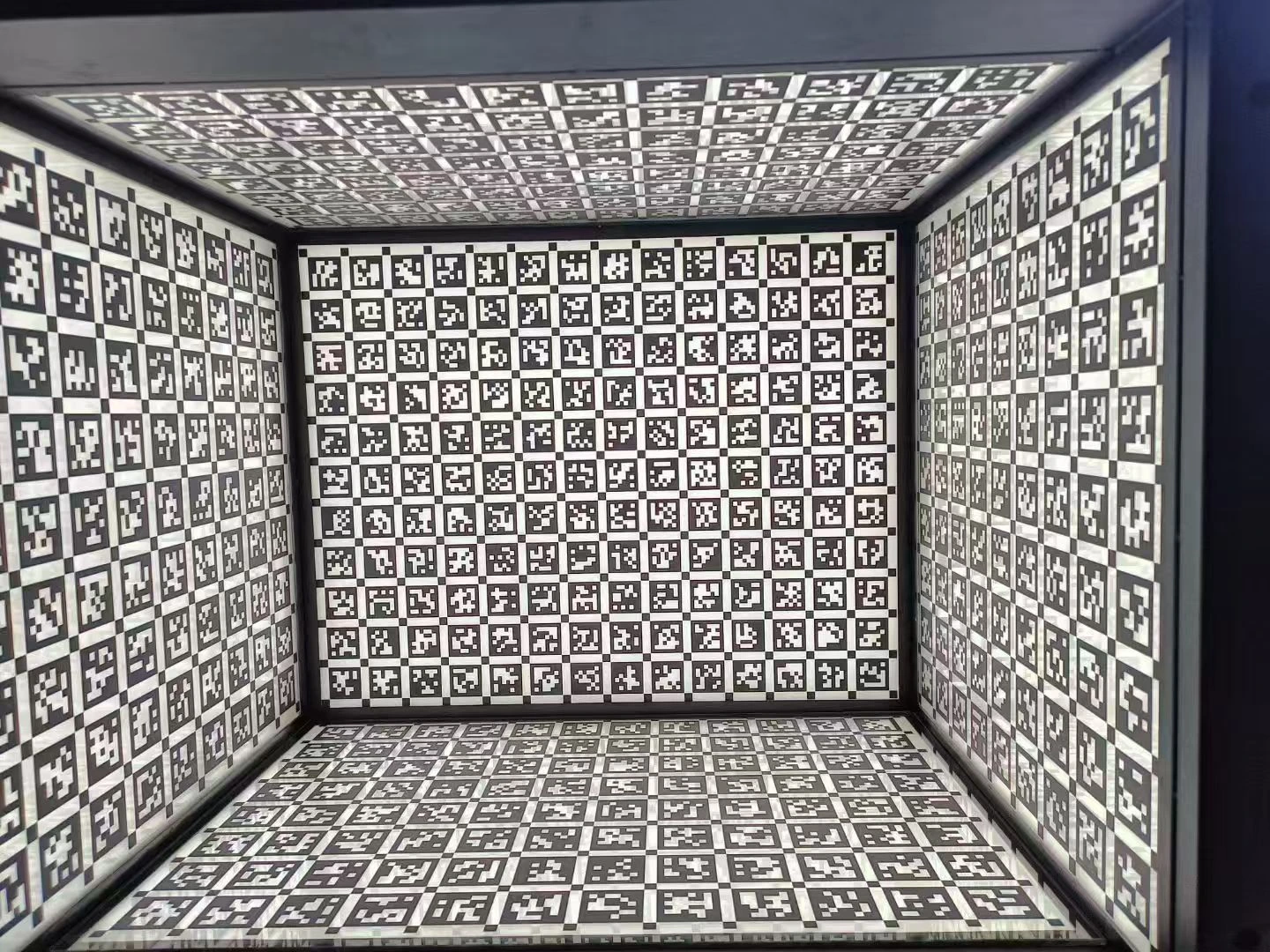
Multi-face calibration chamber interiorEQUIPMENT REFERENCE

Wide-angle & fisheye cameras

Wide-angle lens distortion calibration

Challenge
Capture enough identifiable points near the image edges, where distortion is often strongest.
Proposed setup
Arrange chart planes across a calibration chamber to cover the center and periphery. Capture multiple target poses using a lens model suited to the field of view.
What to verify
Compare reprojection errors by image region and inspect corrected images for residual curvature.
Related equipmentCamera Calibration Lightbox
Calibration light panel on a mobile frameEQUIPMENT REFERENCE

Stereo & depth cameras

Stereo alignment and depth checks

Challenge
Calibrate the relative camera pose and verify that both views align after rectification.
Proposed setup
Mount a patterned target where both cameras can see the same features. Capture paired images at several distances and poses within the working range.
What to verify
Check vertical residuals after stereo rectification and compare estimated depths with known distances.
Related equipmentCamera Calibration Light Panel
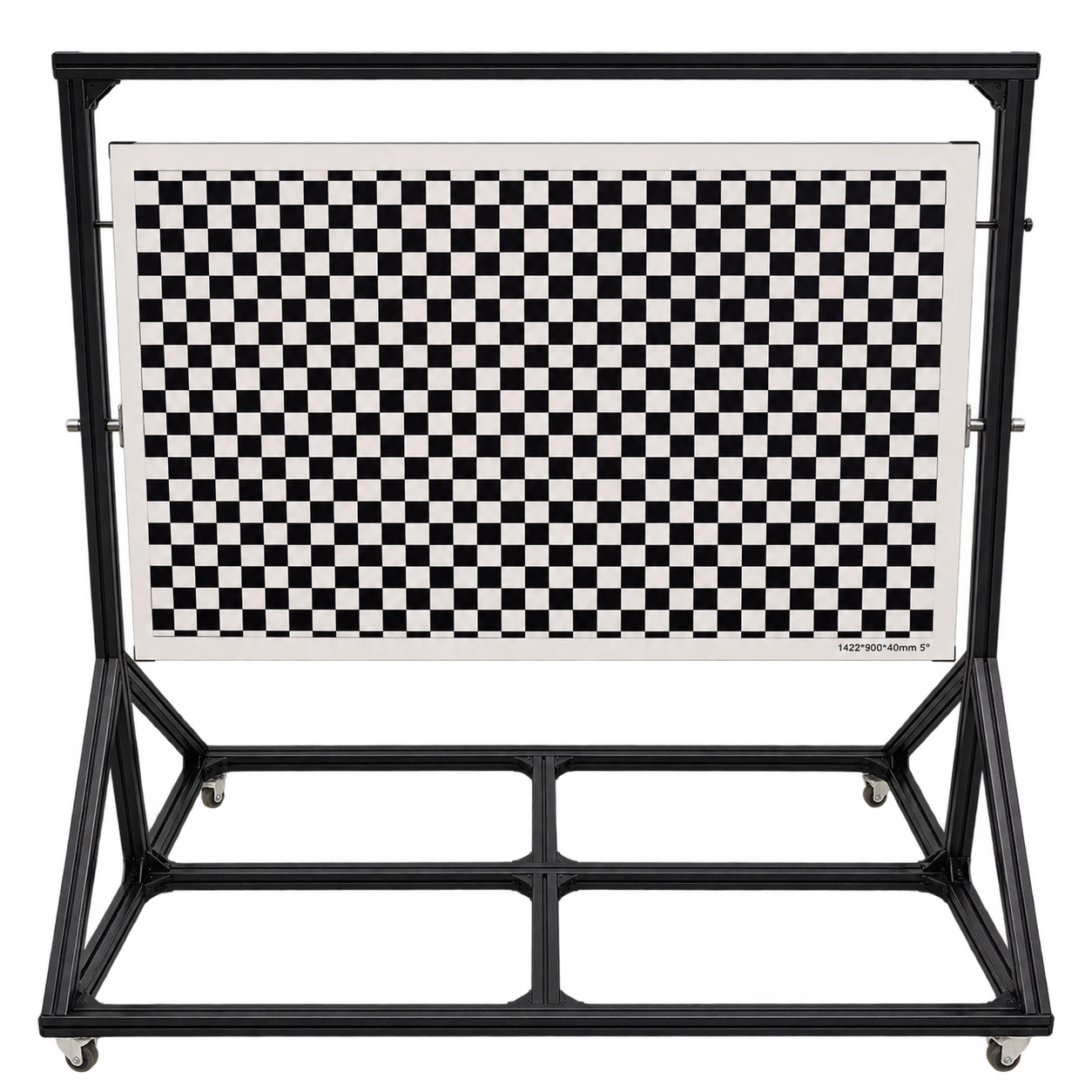
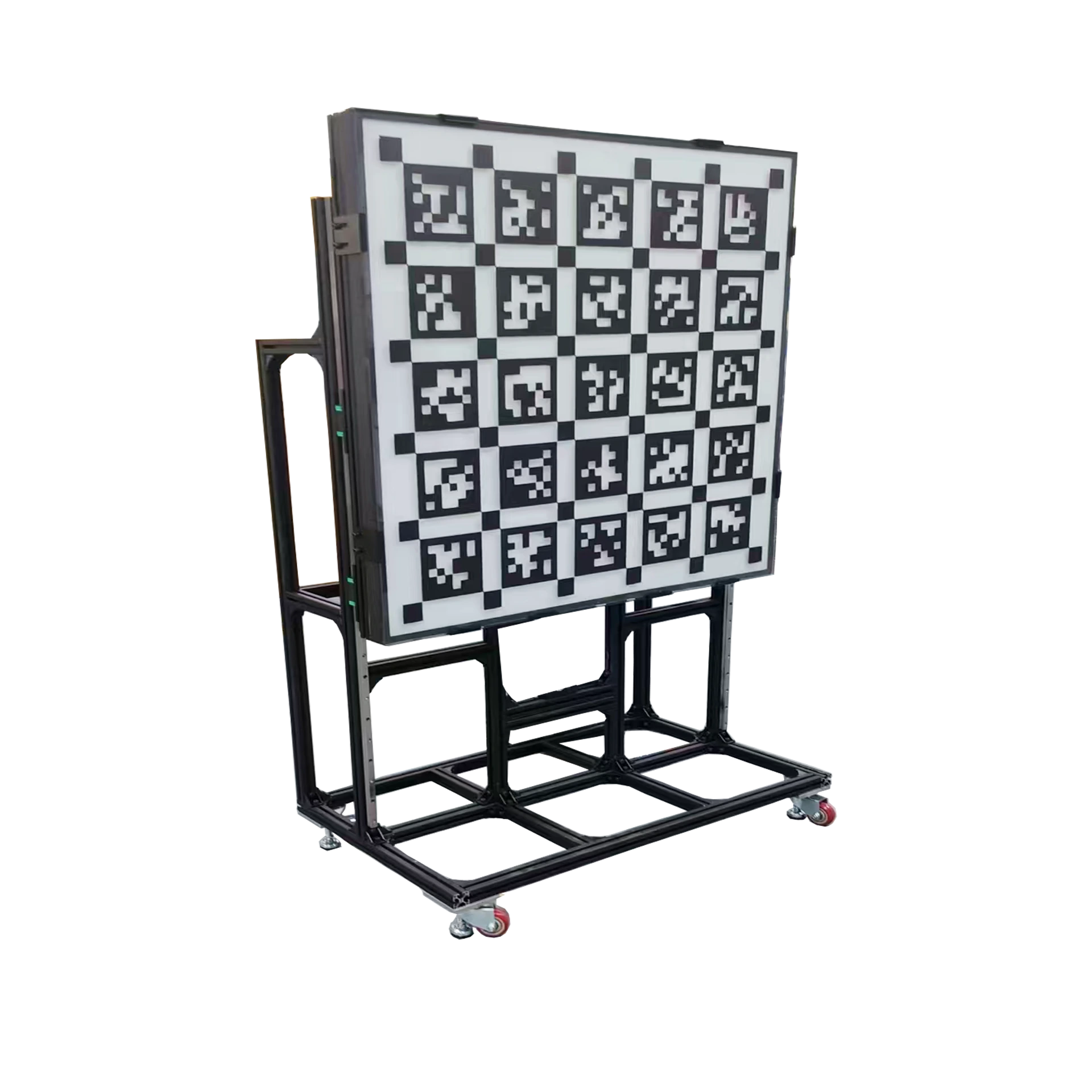
Checkerboard calibration board on a mobile standEQUIPMENT REFERENCE

Robot-mounted cameras

Robot hand–eye calibration

Challenge
Determine the transformation between a wrist camera and the robot tool frame.
Proposed setup
Fix a checkerboard or fiducial target on a rigid mount. Capture it from varied robot poses and pair each image with its recorded robot pose.
What to verify
Revisit reference points using poses excluded from calibration. Compare position and orientation errors with the task tolerance.
Related equipmentCheckerboard Calibration Board with Mobile Stand
03 / 03

Module & production validation

Build repeatable optical stations for module evaluation and production checks.

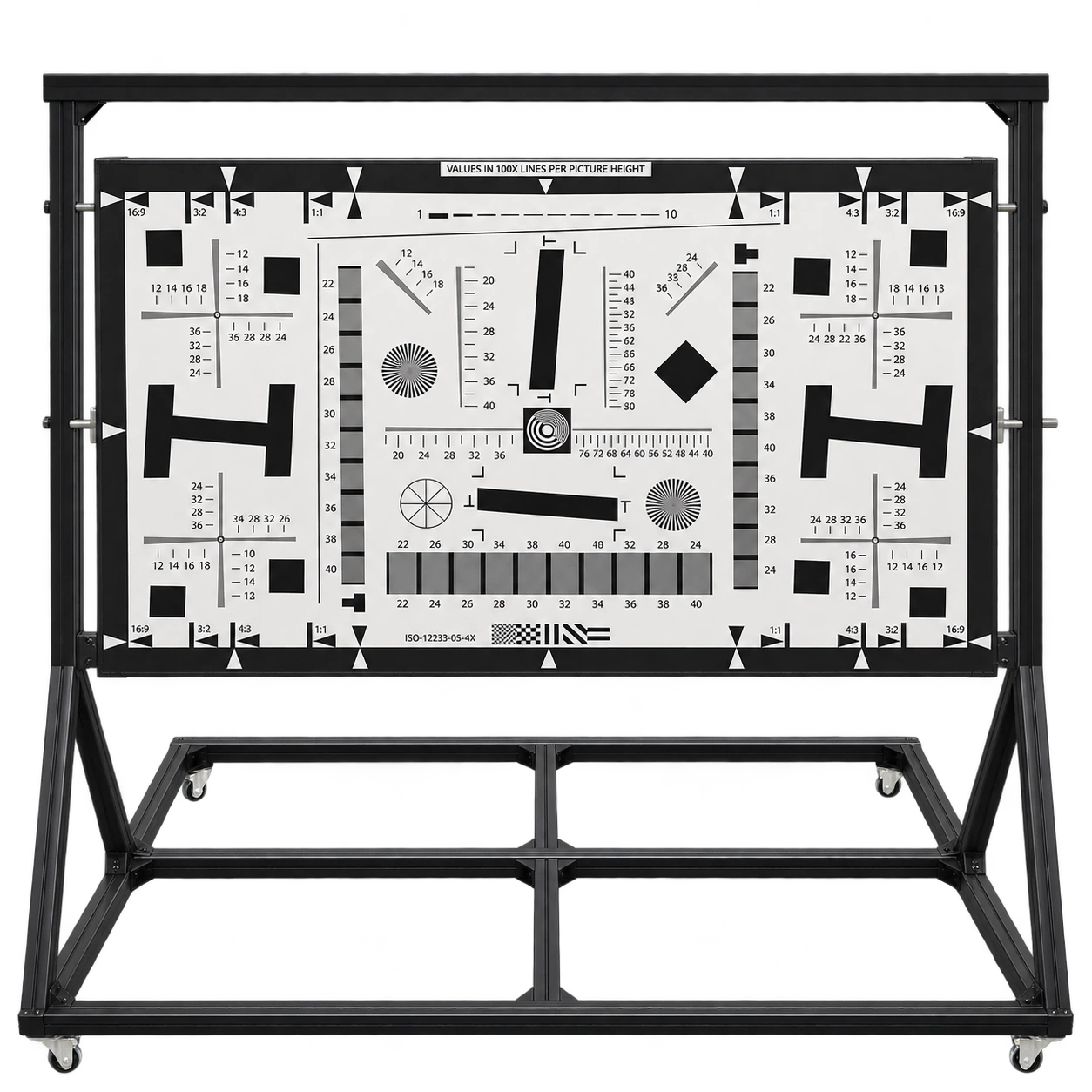
ISO 12233-type chart on a mobile standEQUIPMENT REFERENCE

Lens & camera modules

Center and corner sharpness comparison

Challenge
Compare sharpness across the image field and identify asymmetric results that warrant further investigation.
Proposed setup
Mount an appropriate slanted-edge chart on a rigid stand. Control illumination, target alignment, distance and focus before capturing a series.
What to verify
Compare SFR or MTF metrics at the center and corners using the same analysis settings. Recheck mounting and focus if results are asymmetric.
Related equipmentISO 12233 Resolution Test Chart with Mobile Stand
White-finish integrating sphere lightEQUIPMENT REFERENCE

Image sensors & modules

Flat-field response and shading

Challenge
Separate illumination variation from camera shading when comparing module images.
Proposed setup
Use an integrating sphere source sized for the camera’s viewing geometry. Characterize the field first and capture unclipped frames at a fixed exposure.
What to verify
Review the light-source uniformity map alongside center-to-corner brightness and channel shading in the captured image.
Related equipmentIntegrating Sphere Light — White Finish
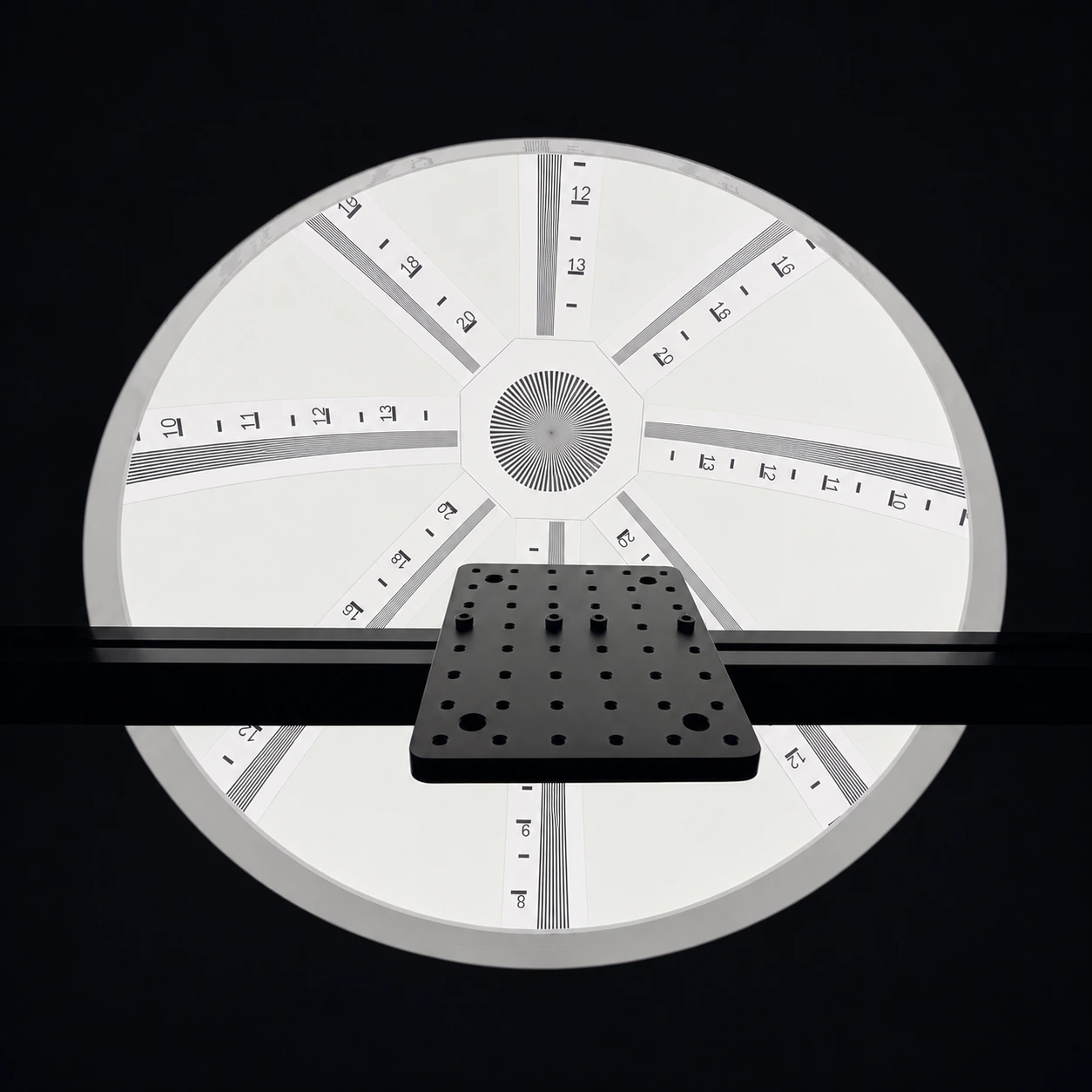
Circular backlit resolution targetEQUIPMENT REFERENCE

Camera production lines

Repeatable end-of-line camera checks

Challenge
Keep test conditions consistent when modules are changed between cycles or stations.
Proposed setup
Use an illuminated target assembly with a fixed working distance and defined module position. Store the lighting and camera settings for each test recipe.
What to verify
Measure setup repeatability with a reference module and compare selected image metrics across cycles and stations.
Related equipmentCamera Resolution Test Lightbox

PROJECT INQUIRIES

Let’s discuss your test setup.

Contact LUMIEVO